Visual Studio Code
Step 1.
To setup your VS Code you need to install three plugins:
Step 2.
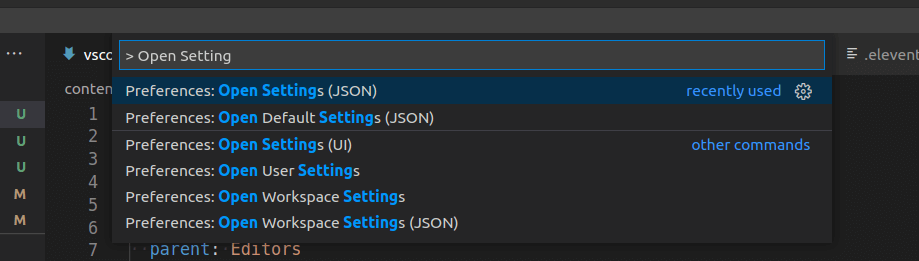
After installing and enabling the plugins open your settings.json file.
Change the settings.json by opening the Command Palette (Ctrl + Shift + P) and typing Open Settings. Select the option Open Settings (JSON)
Add the following config to the file:
"editor.formatOnSave": true,
"editor.defaultFormatter": "esbenp.prettier-vscode",
"[javascript]": {
  "editor.defaultFormatter": "esbenp.prettier-vscode"
}
"editor.codeActionsOnSave": {
  "source.fixAll.stylelint": true
}
With this you have setup you editor to format and lint your code.